Plan the work with your team and clients on one board.
Cards move from To Do to Completed, so everyone can see what is moving and what is ready for review.
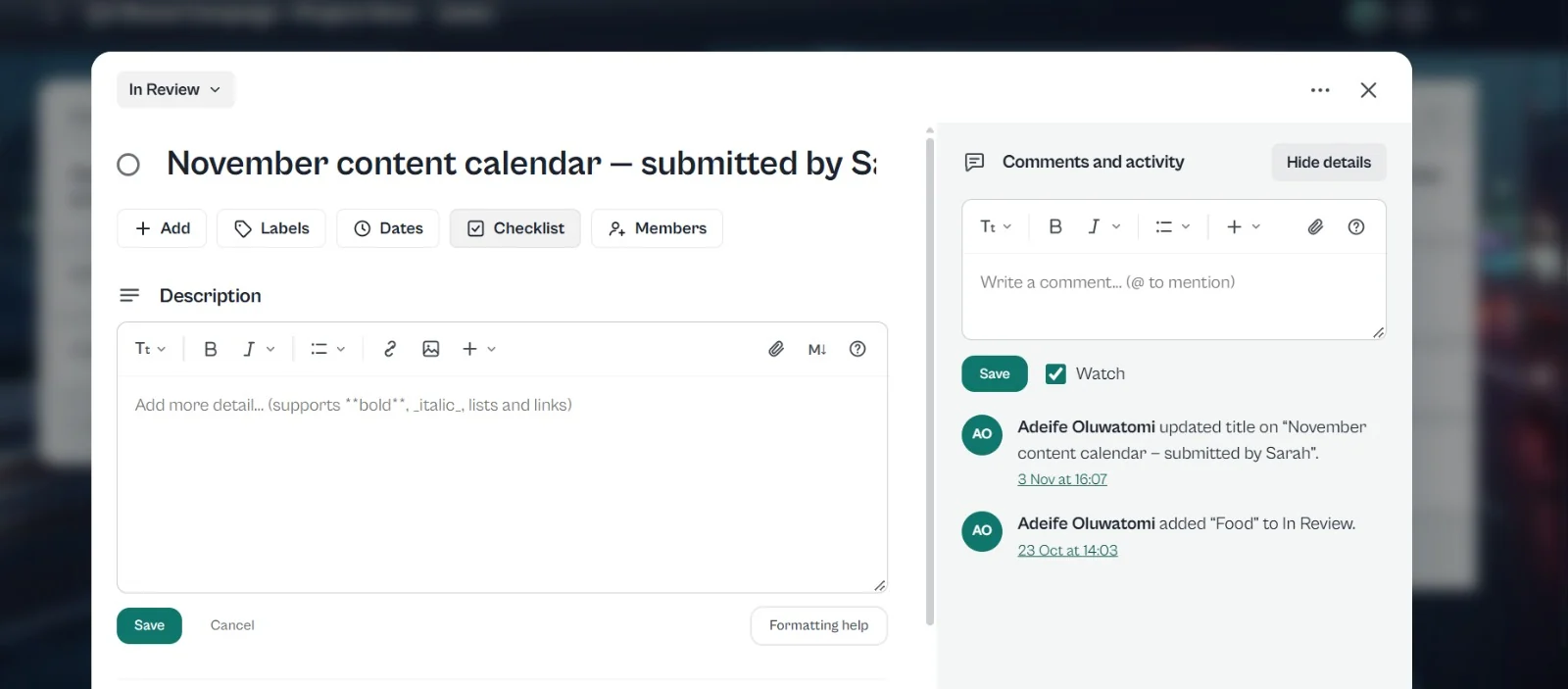
Open a card for the description, checklist, members and dates.
Comments and activity stay on the card, so nothing gets lost in a chat thread.

Plan the work with your team and your clients. See what is to do, what is moving and what is ready for review.
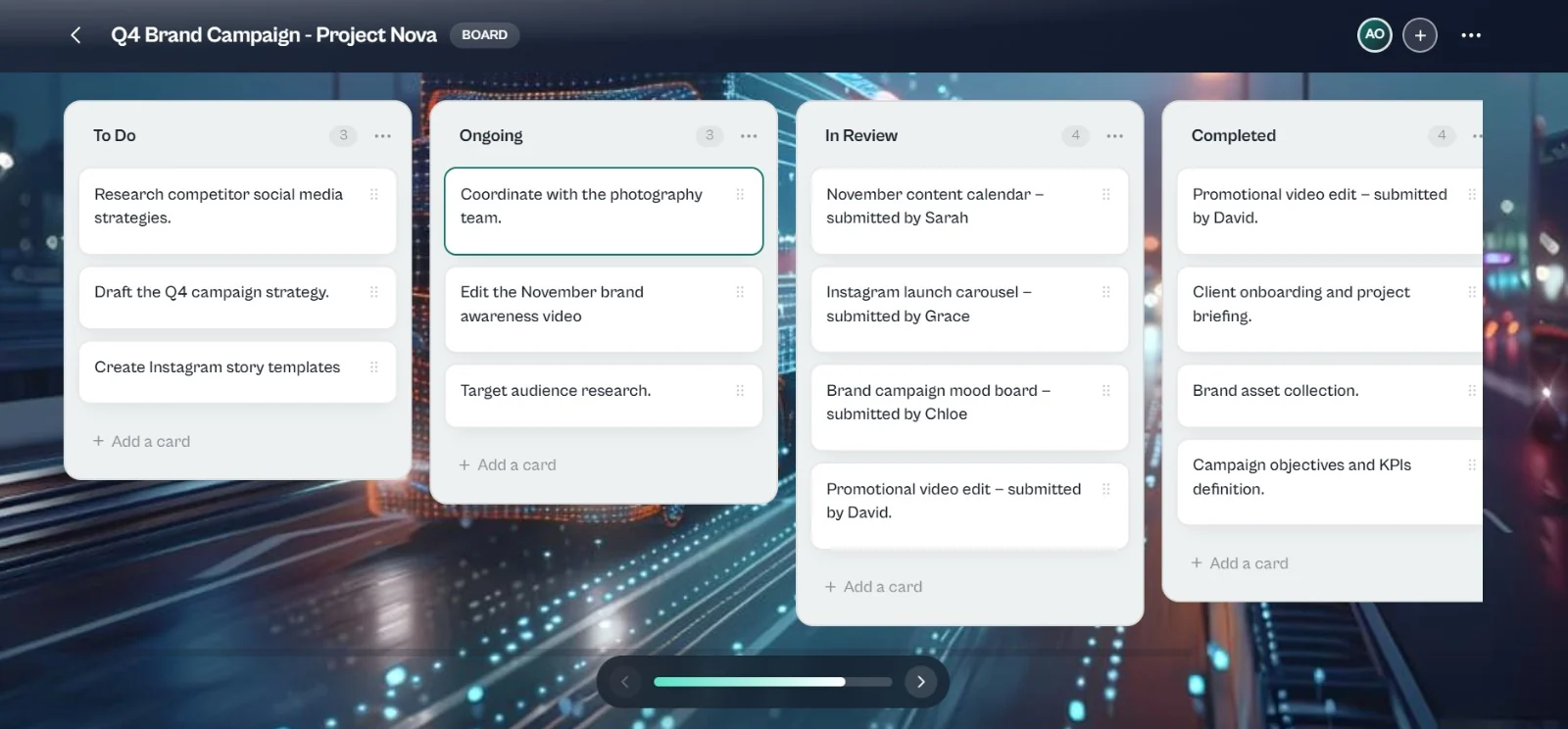
Start a board for the project and invite members.
Describe the task, add a checklist, people and dates.
Drag cards from To Do all the way to Completed.
The members you invite to it.
Yes. Workspace is for planning the work with your team and your clients.
Yes. A shared calendar sits next to your boards.
Joining is free. Start with a profile, then add what you need.