Join ProfilePro
Features / Room and messages

Meet, book and chat in one place

Video calls, bookings and messages in one place.

01

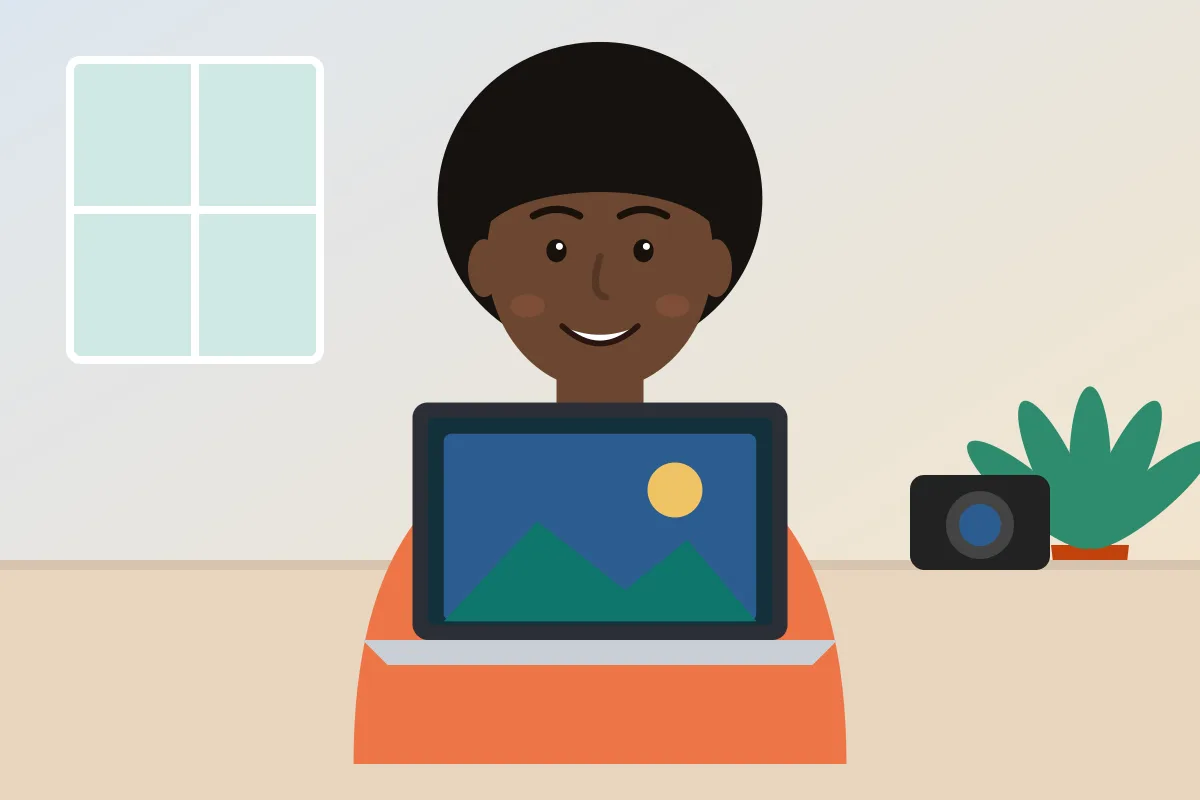
Calls and bookings in one place

Hold video calls and take bookings next to your profile, your contracts and your boards.
02

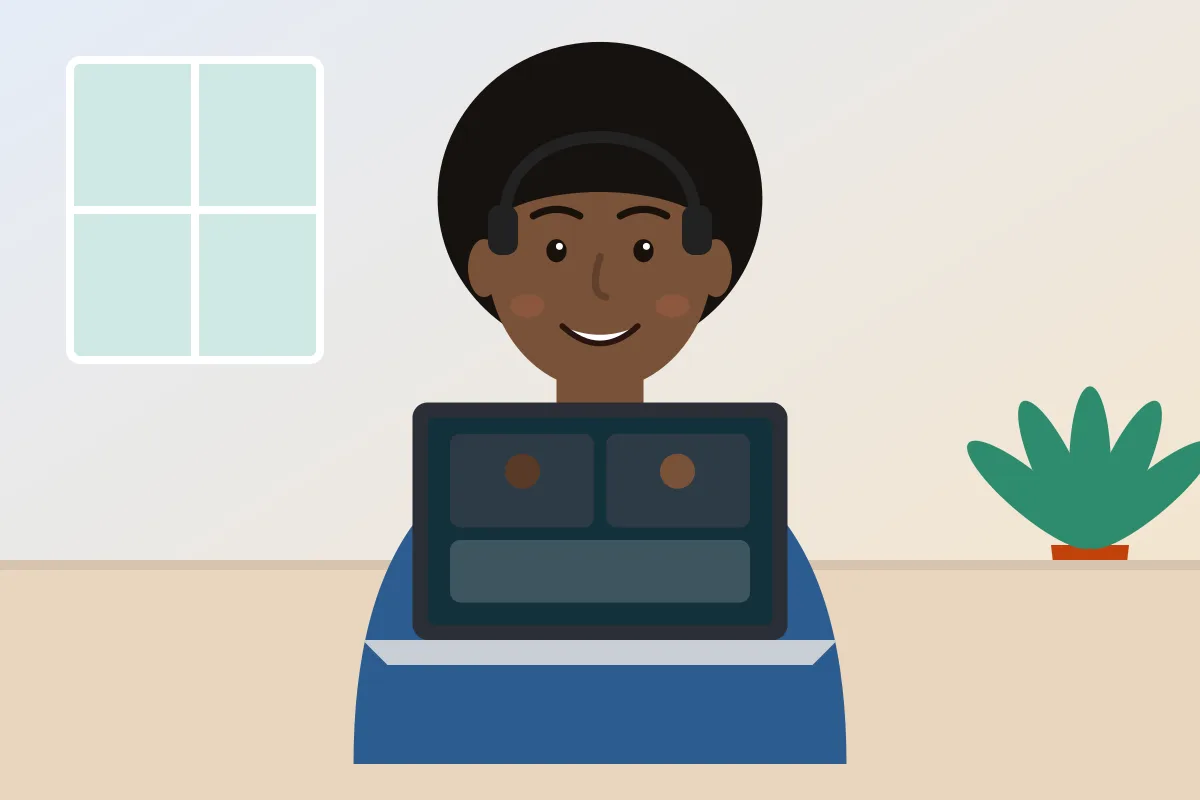
Guests join without an account

Invite a client to a call and they can join without making an account first.
03

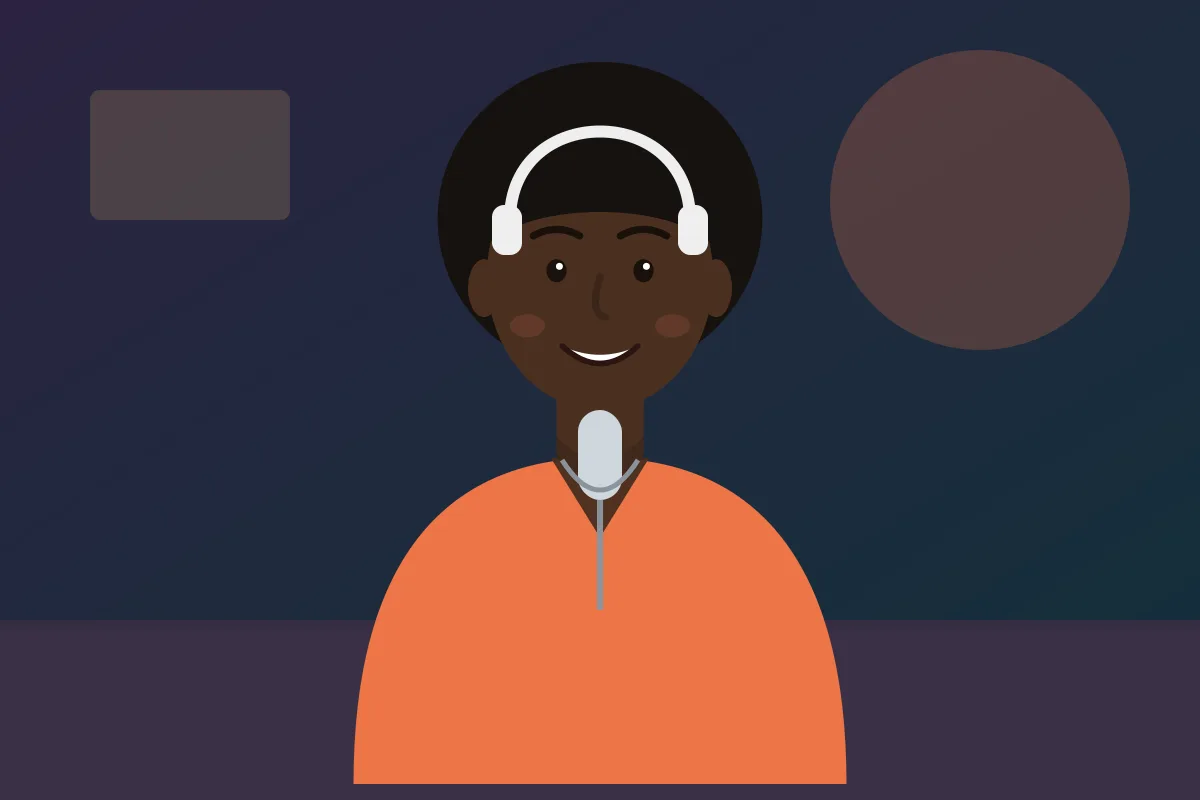
Chat and share documents

Chat one to one or as a business Page, and share documents right in the conversation.
Room and messages

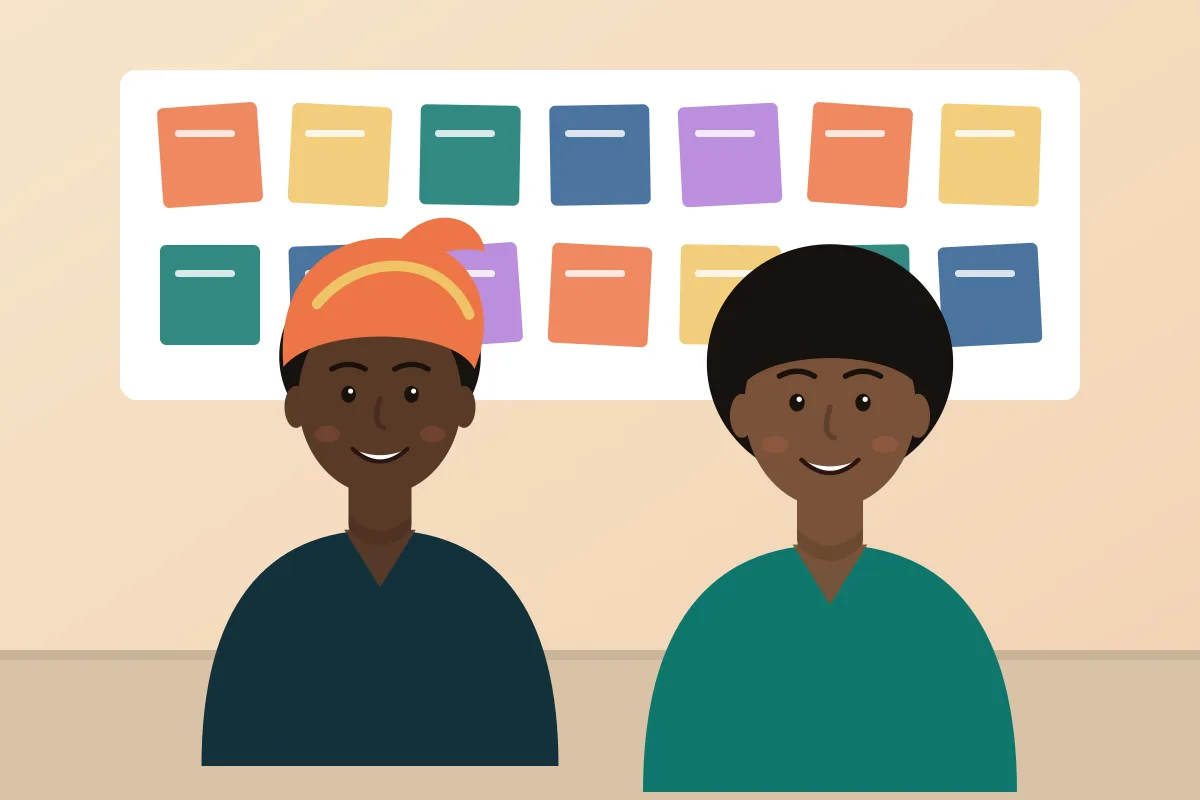
Fewer apps between you and the work

Calls, bookings and chat live next to your profile, your contracts and your boards, so nothing gets lost.

  • Video calls and bookings in one place
  • Guests can join without making an account
  • Chat one to one or as a business Page
  • Share documents right in the conversation
Room and messages
Video callsMeet with clients and your team
BookingsPeople pick a time to meet you
Guest accessNo account needed to join a call
MessagesChat and share documents
How it works

Three steps

1

Share a time

Let people book a slot with you.

2

Meet in Room

Join the video call. Guests do not need an account.

3

Keep talking

Continue in Messages and share documents in the chat.

Questions

Good to know

Do guests need an account to join a call?

No. Guests can join a call without making an account.

Can people book a time with me?

Yes. Share a booking link and people pick a time that works.

Can I share documents in the chat?

Yes. You can share documents right inside the conversation in Messages.

Keep exploring

More inside ProfilePro

Ready to see it for yourself?

Joining is free. Start with a profile, then add what you need.