
Pearl shows you a change first and does nothing until you confirm.
Ask Pearl what to apply for, and it points you to jobs that match what is on your profile.
Pearl helps you tighten your headline, About section and resume, and drafts help with contracts and documents.

Pearl shows you a change first and does nothing until you say yes. Pearl can make mistakes, so check what it tells you.

Pearl is the assistant inside ProfilePro. It shows you a change first and does nothing until you confirm.
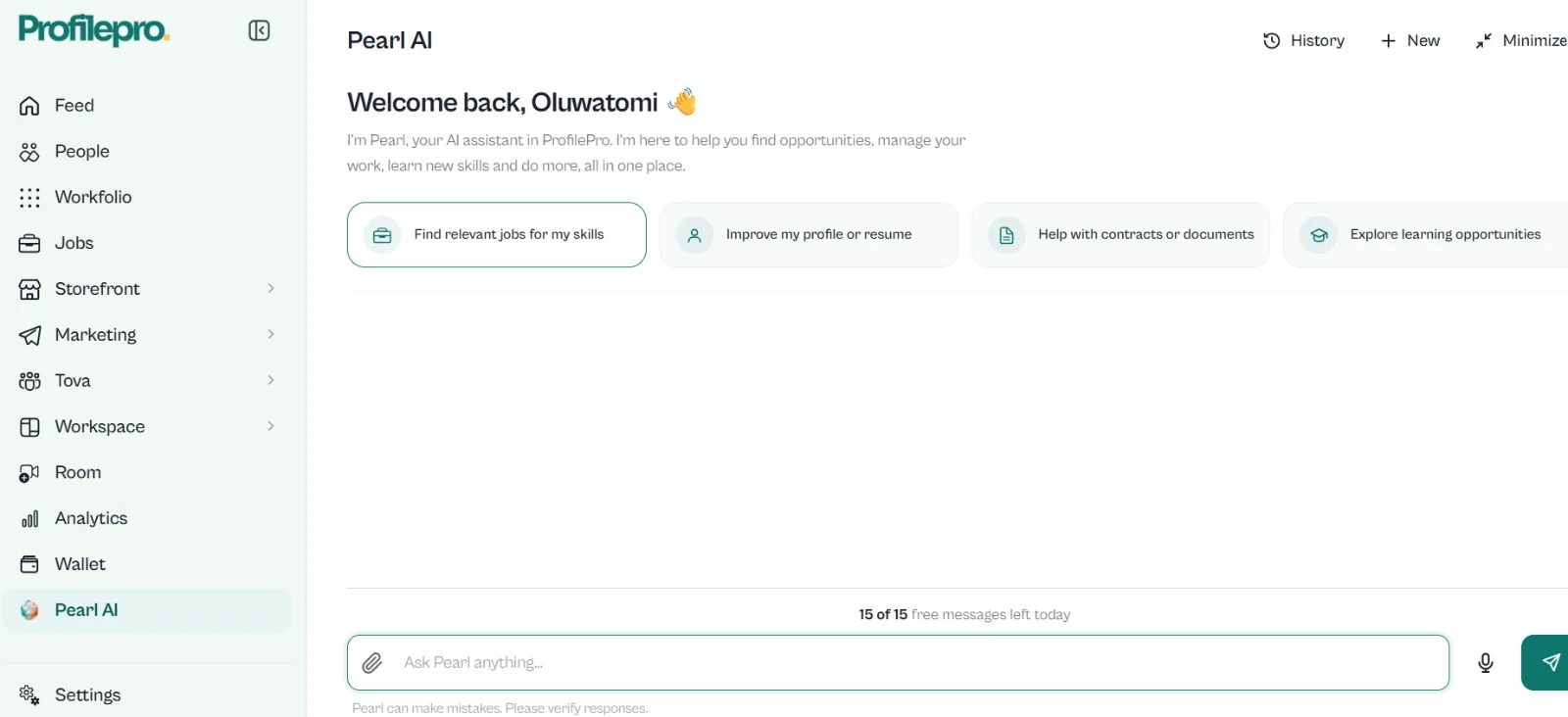
Tell Pearl what you need, like finding jobs that fit your skills.
Pearl shows you the change before anything happens.
Say yes and Pearl does it.
No. Pearl shows you the change first and does nothing until you confirm.
Finding jobs that fit your skills, improving your profile or resume, and drafting documents.
Some tools on ProfilePro use credits, and you can see them inside your account.
Joining is free. Start with a profile, then add what you need.